
Fotifai vs SellerPic: AI product photos compared
SellerPic and Fotifai side by side with data checked on 15 November 2026: features, pricing, jewellery, video, and when each one is the better choice for you.

Fotifai and Pebblely compared using their official sites: features, pricing in dollars and euros, limits, privacy, and when each one is the better choice.
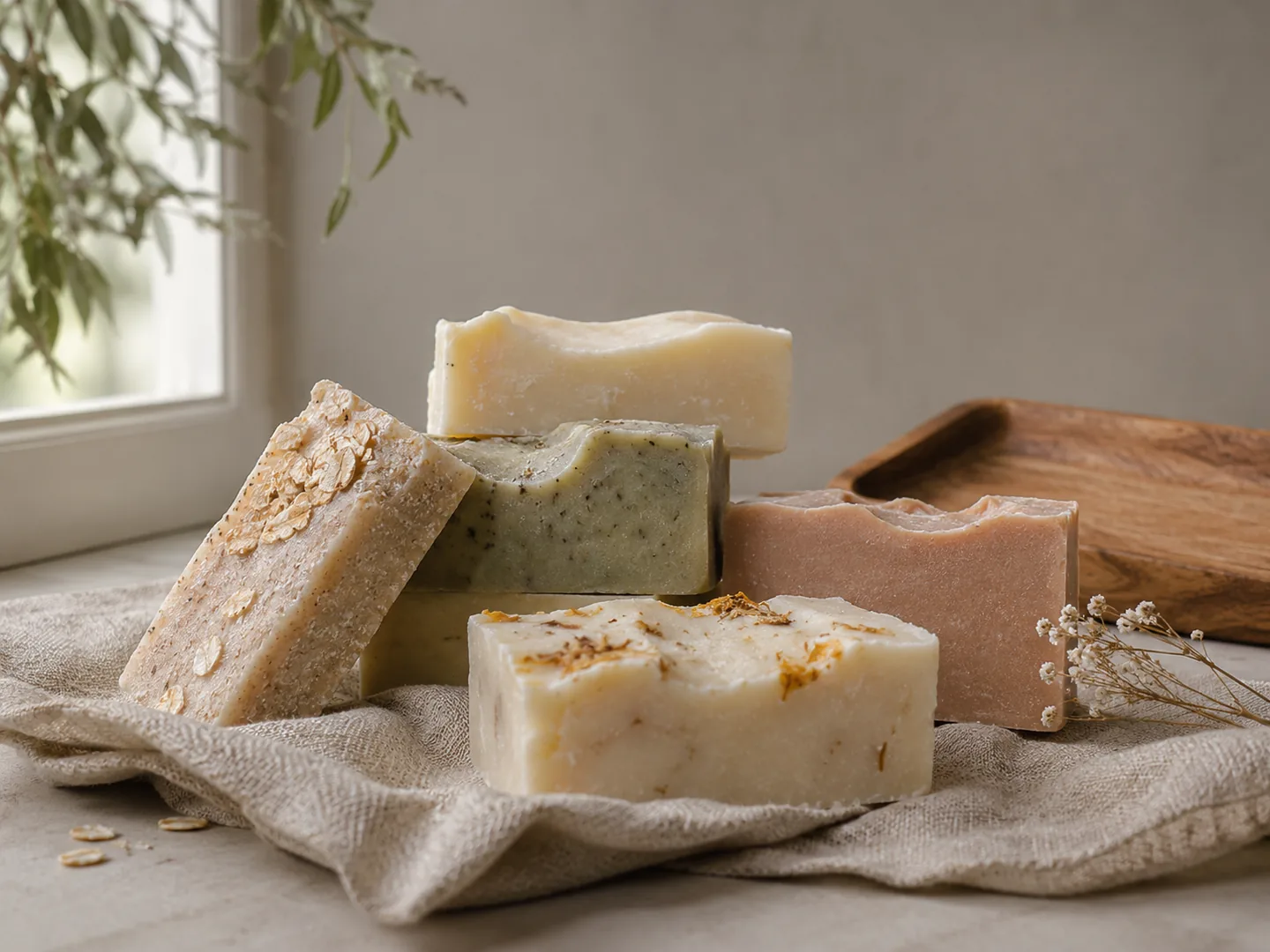
Pebblely is a simple, inexpensive tool for one specific job: take a product photo and place it in an AI-generated background or scene. Fotifai does that and more: clean, white or transparent backgrounds, product on a model, a reusable avatar, and a WooCommerce plugin, but it is in private beta. If your shop sells objects (candles, cosmetics, soaps, jewellery) and you only want attractive scenes for little money, Pebblely is a very reasonable choice. If you need a model of your own and a store integration, look at Fotifai.
The Pebblely data comes from its official site, accessed on 15 November 2026. What we did not see, we say.
To place both in the wider market, read the guide to the best AI product photo tools.
The Pebblely column only lists what we saw on its site.
| Area | Fotifai | Pebblely (as seen on its site) |
|---|---|---|
| Core idea | AI product photos for stores, Spanish first | AI product photos without photography or editing skills |
| AI backgrounds and scenes | Yes (scene_generate, background_replace) | Yes: 40+ background themes and custom prompts on the plans |
| White or transparent background | Yes (product mode) | Not described on the pages we opened |
| Product on a model | Yes (model_swap) and avatar mode | Not mentioned that we saw |
| Templates | Prompt templates | 100+ templates by category, per its home page |
| Bulk generation | No batch today: you generate job by job | Yes, on Basic and Pro ("multiple images for multiple products at once") |
| Resizing for channels | Not a headline feature of Fotifai | Yes, it generates different sizes for social and stores |
| Mask retouching | Yes (inpaint) and regeneration | Not seen |
| Quality control | QA layer before delivery | Not described |
| API | Public /v1 API with a key (MCP in preparation) | Not mentioned that we saw |
| Store plugins | WooCommerce done; PrestaShop and Shopify in preparation | No integrations seen; its home page shows channel logos such as Shopify, Etsy or Amazon where the images can be used |
| Language | Spanish and English | A Spanish home page exists (/es), with English testimonials; the pricing and FAQ pages we opened were in English |
| Access | Private beta by invitation | Open |
All Pebblely amounts come from its pricing page, accessed on 15 November 2026, in US dollars (US$) with monthly billing:
| Plan | Price | Images per month | Includes |
|---|---|---|---|
| Lite | US$9 a month | 30 | 40+ background themes, custom prompts |
| Basic | US$19 a month | 200 | The above, plus bulk generation |
| Pro | US$39 a month | 500 | The above, labelled "best value" |
The page mentions a yearly option with "2+ months free" but did not show the yearly amount. The subscription renews automatically and can be cancelled in the app. Its FAQ says it does not offer refunds, and we did not see what happens to unused images at the end of the month. The Spanish home page talks about free photos each month, but we did not see the amount.
Fotifai (euros, monthly plan). Free: €0 with 10 credits a month. Basic: €19 with 100 credits. Pro: €49 with 500 credits. Business: €99 with 1,000 credits. Enterprise is custom. One-off packs: 200 credits for €14.99.
One practical difference: Pebblely counts images, whereas in Fotifai each job spends credits by type (background removal costs 1, a scene costs 3, and a model shot costs 5). So the number of images you get from a plan depends on what you ask for. Details are in Fotifai pricing and credits. Comparing a 30-image plan with a credit plan without looking at what you will do with them is misleading, so run the numbers on your real catalog.

To be fair, in these cases it may be better than Fotifai.
If you use generated models, the real person who lends their likeness must give written consent, and it is wise to label AI-generated content wherever the sales platform asks for it.
Pebblely suits Etsy sellers and small object-based shops that want atmospheric photos at low cost. Fotifai suits Spanish-language fashion and jewellery stores that need a constant model and want to publish from their own store. If volume or video matters more to you, also compare Photoroom, Claid.ai, Botika and SellerPic.
Accessed on 15 November 2026. All pages were opened read-only.
We could not verify whether Pebblely has an API or official store integrations, how much is free, the yearly plan amount, the policy for unused images, or the output resolution. Fotifai figures come from the product code and may change during the beta.
Request access to the Fotifai private beta and try your catalog with a clean background or a model.
Try FotifaiSellerPic and Fotifai side by side with data checked on 15 November 2026: features, pricing, jewellery, video, and when each one is the better choice for you.

Public pricing from Spain and the US for product photography, an illustrative 80-product example, and where AI really saves money and where it does not.
Why phone photos drag down a product page, what you can improve when shooting and what AI can actually correct, including where it stops working.