
How much does it cost to photograph an online catalog
Public pricing from Spain and the US for product photography, an illustrative 80-product example, and where AI really saves money and where it does not.

Why phone photos drag down a product page, what you can improve when shooting and what AI can actually correct, including where it stops working.
Today's phones take more than decent photos. The problem with phone-shot product photos is rarely the camera: it is the light, the background, the wrinkles and the lack of consistency from one photo to the next. Here we go through what goes wrong, what you can fix yourself for nothing and what AI corrects, along with its limits.
Each of these can be fixed. What hurts is the sum of them, repeated across hundreds of products.
Before thinking about software, a good starting point is free. Shopify's product photography guide (1 September 2023) sums it up well: quality depends more on the shot setup, the lighting and post-processing than on the camera. Its most useful tips:

If you sell on Google Shopping or feed a catalog into it, it helps to know what Google Merchant Center asks for in its help page (accessed on 15 November 2026): at least 500 x 500 pixels and, as a recommendation, 1,500 x 1,500 or more; the product should take up between 75% and 90% of the image; and watermarks, promotional overlays and borders are not allowed. WooCommerce's own documentation, meanwhile, recommends uploading images of at least 800 x 800 pixels. A phone easily meets the size; what is hard is the framing and a clean background.
A Nfinite report on 1,074 US consumers (April 2023) found that 83% would return a product that did not match the online image and that 72% would be less likely to shop at that retailer again. Two caveats: it comes from a company that sells product imagery and it covers the US, so read it as a signal, not a law. But it points to something common-sense: a beautiful photo that does not look like the product gets expensive in returns.
That is why the goal at Fotifai is not to "beautify" at any cost, but to respect the product: same colour, fabric and shape.
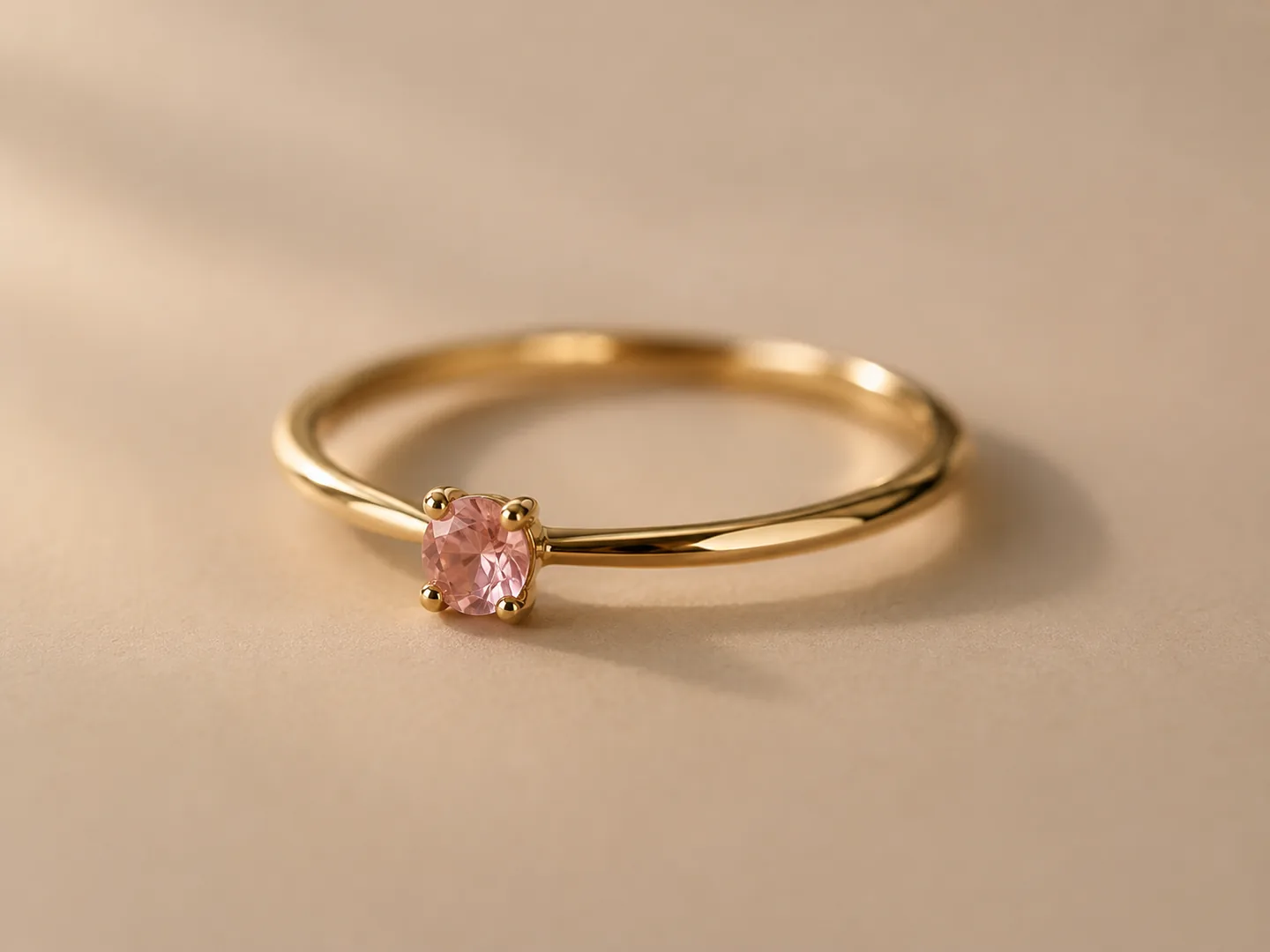
If you start from a reasonable photo, AI does three things well:
A practical tip: take two or three photos of the product (front, detail and, if relevant, back), with the window to one side and the phone held straight. It takes a minute and saves reshoots.

Each job uses credits: removing the background costs 1, replacing it 2 and enhancing the product 2. The Free plan (10 credits a month, with limits) is for trying things out; the Basic plan costs €19 a month and includes 100 credits, and there are one-off packs such as 50 credits for €4.99. Fotifai is a private beta by invitation. The full credit breakdown is in Fotifai pricing and credits.
It is not a general editor like Photoshop, it does not make video and it does not promise that a better photo will bring more sales.
It works if you photograph products yourself with a phone, your catalog is large or changes often and you want a consistent result without a studio.
It does not if your starting photos are badly out of focus, if fine detail is what you sell (engravings, micro text) or if you need studio photography with reflections controlled to the millimetre. You can also find the origin of the tool in why Fotifai was built.
Starting from a phone photo, each tool makes a different bet. The overview is in the guide to AI product photo tools.
Background removal, scenes and AI models, with a mobile app and batch editing, according to its website on 15 November 2026. It is the most mature option for editing from a phone. More in Fotifai vs Photoroom.
Backgrounds and scenes with 100+ templates and bulk generation for listings and social posts. Its homepage does not describe integrations. More in Fotifai vs Pebblely.
Oriented to API and batch processing, according to our February 2026 analysis (its website did not load today for our automated reader). More in Fotifai vs Claid.ai.
Built for fashion: it turns flat or hanger photos into on-model photos, with a library of 150+ AI models. More in Fotifai vs Botika.
Backgrounds, AI models, virtual try-on and video, with a Shopify app and named support for WooCommerce. More in Fotifai vs SellerPic.
Accessed on 15 November 2026:
Request beta access and see what changes between your original photo and a catalog-ready image.
Try FotifaiPublic pricing from Spain and the US for product photography, an illustrative 80-product example, and where AI really saves money and where it does not.

How product photos are uploaded by hand in WooCommerce and PrestaShop, where the time goes on large catalogs and what you can automate today.
Fotifai and Photoroom compared using their official sites: features, pricing, integrations, privacy, and when each one is the better pick for your shop.