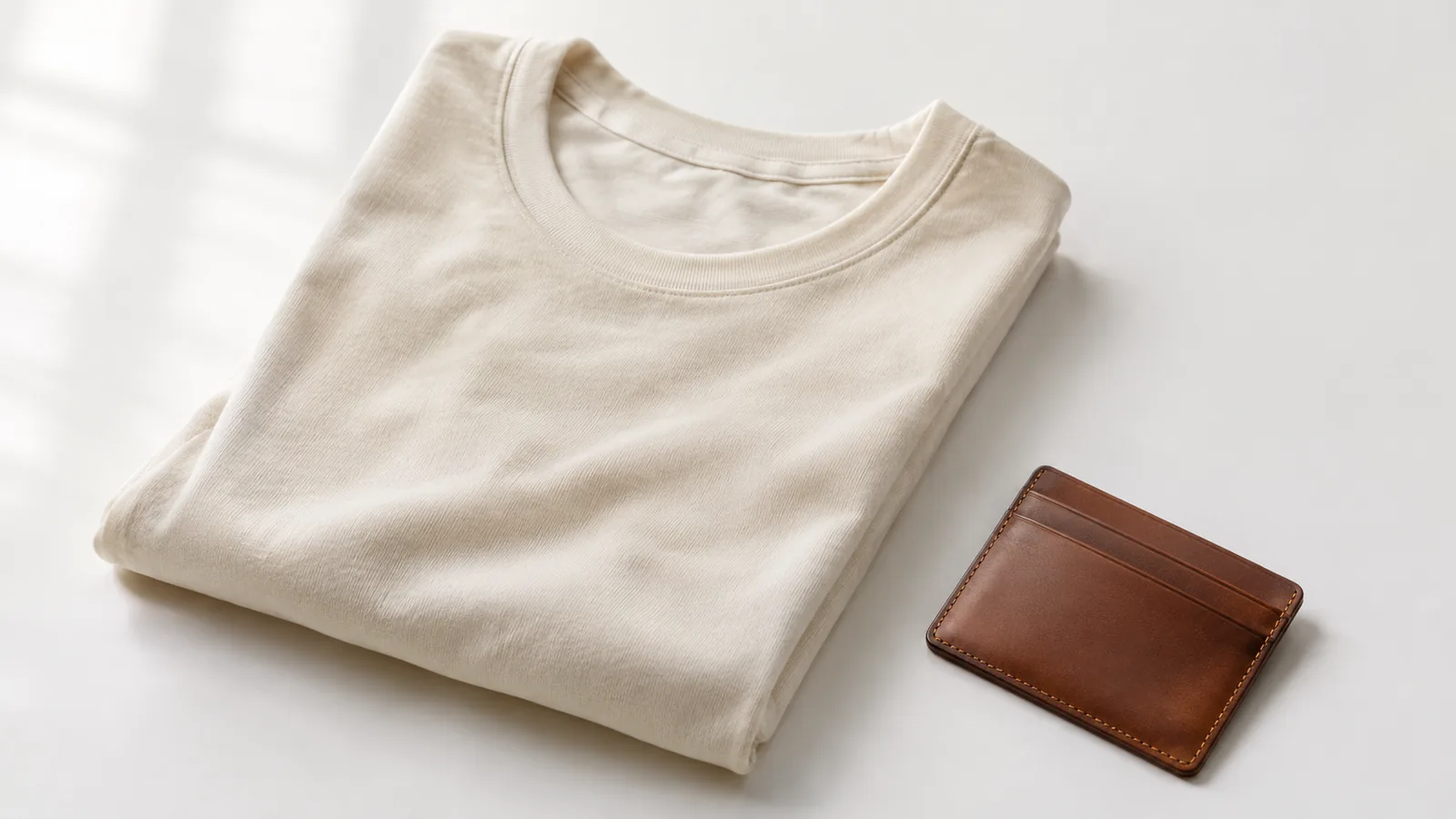
Product mode: clean, white or transparent backgrounds
How Fotifai's product mode turns a phone photo into a catalog image: cleaning, removing or replacing the background, what each job costs and its limits.
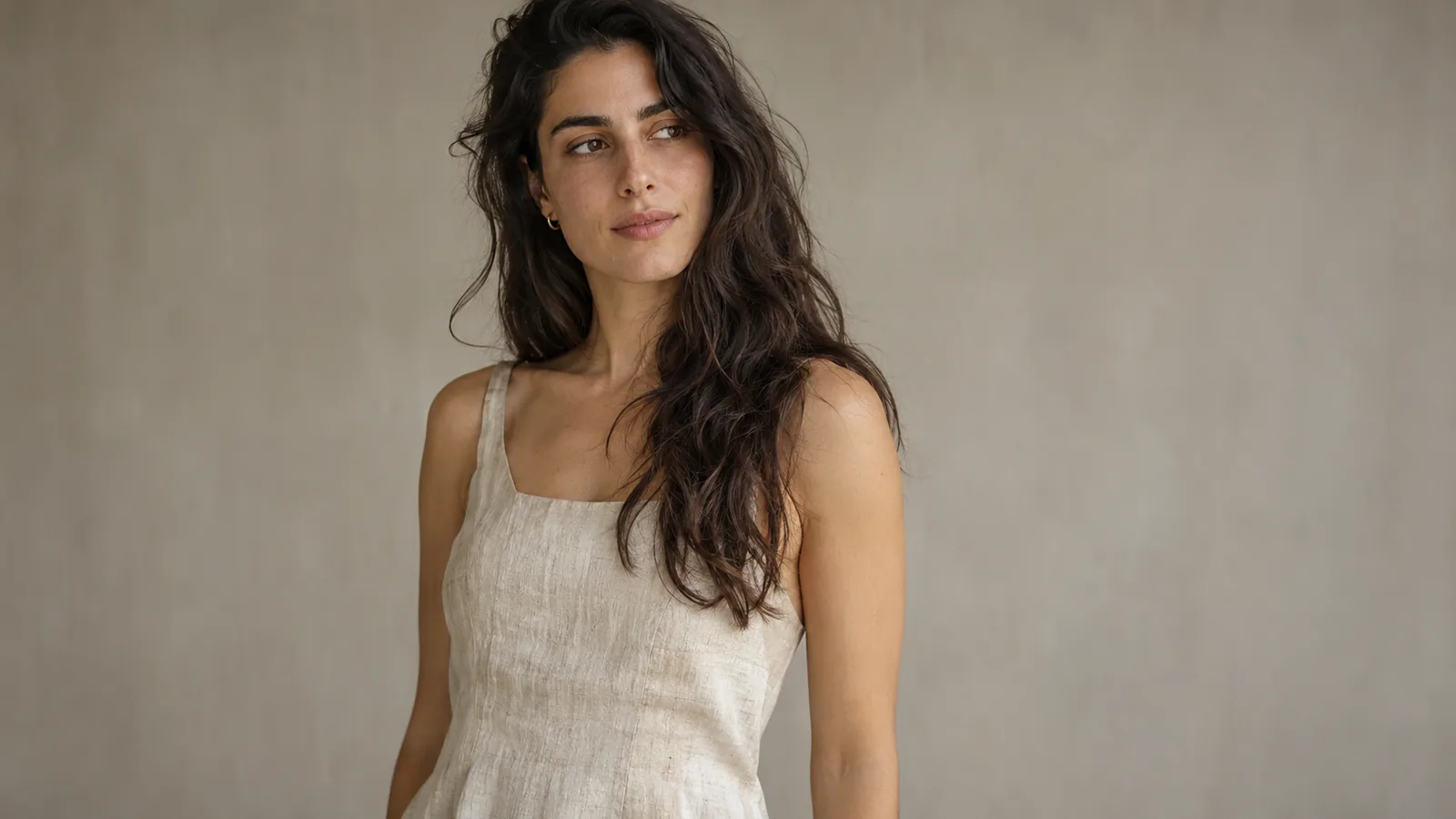
How to create an avatar in Fotifai from 3-5 reference photos and use it to show your whole catalog on one consistent identity. Steps, costs and limits.
Avatar mode gives you your own AI model, built from three to five reference photos, that you can reuse so every product in your catalog appears on the same person. It serves shops that cannot book a model shoot for every collection. Here is what it does, how it works and what it does not solve.
An avatar is a profile saved in your account with three things:
identity_prompt): traits the photos do not always convey on their own, such as approximate age, skin tone, hairstyle, a mole or a usual expression.The engine is not «trained» on the model: Fotifai does not build a custom model from your photos, it uses them as a reference every time it generates. That makes it immediate (there is no training wait), but it also means the identity is rebuilt in every image and can drift a little.
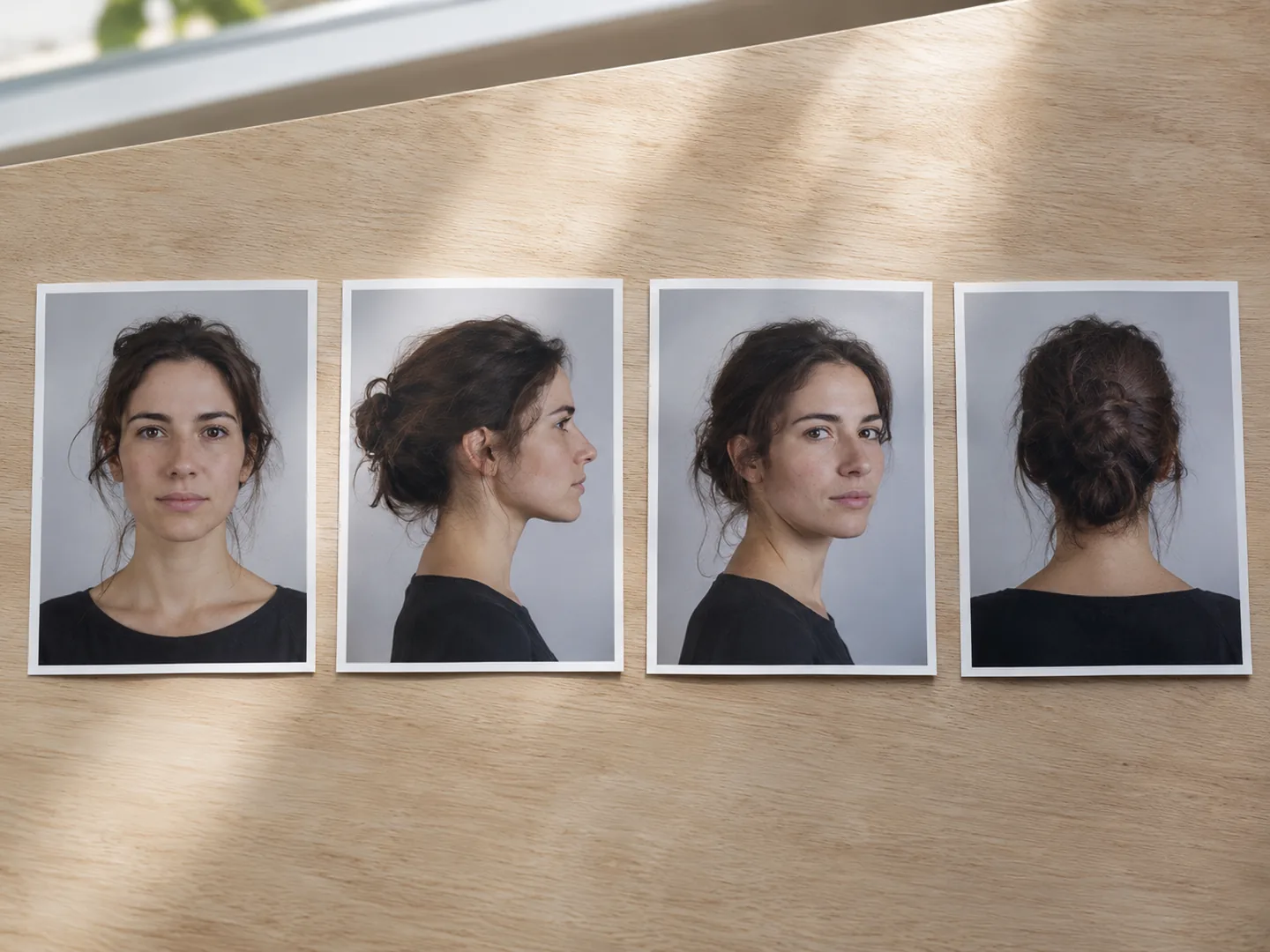
Each reference photo is tagged with its view: front, side, three-quarter, back, face or other. The tag is not decorative: when generating, Fotifai tells the engine the order of the photos and the angle each one shows, so that it reconstructs the same person consistently. Some sensible guidelines:
The identity text is added to the instructions only when the avatar takes part in the job (virtual try-on and scene), and only if it is not empty. It is there to pin down what the photos do not make clear. Write stable physical traits, not passing styling:
An illustrative example: «Woman of about 28, olive skin, defined cheekbones, long dark wavy hair, a mole on the left jaw, calm expression». The more specific and consistent with the photos, the less room the engine has to reinterpret the person.
model_swap, a virtual try-on) and «Escena» (scene_generate). Both place the product on your avatar; the second is meant for a more editorial composition, with a pose and setting you describe in the text.| Job | What for | Credits per image |
|---|---|---|
Virtual try-on (model_swap) | The product worn by your avatar | 5 |
Scene (scene_generate) | The product on your avatar in a setting you describe | 3 |
What Fotifai aims for in every image, according to the instructions fixed on the server: keep the model's face, body, hair, skin tone and tattoos; reproduce the exact colours, pattern and shape of the product, fitted naturally to the body; and realistic skin with texture, not plastic.
The real limits:
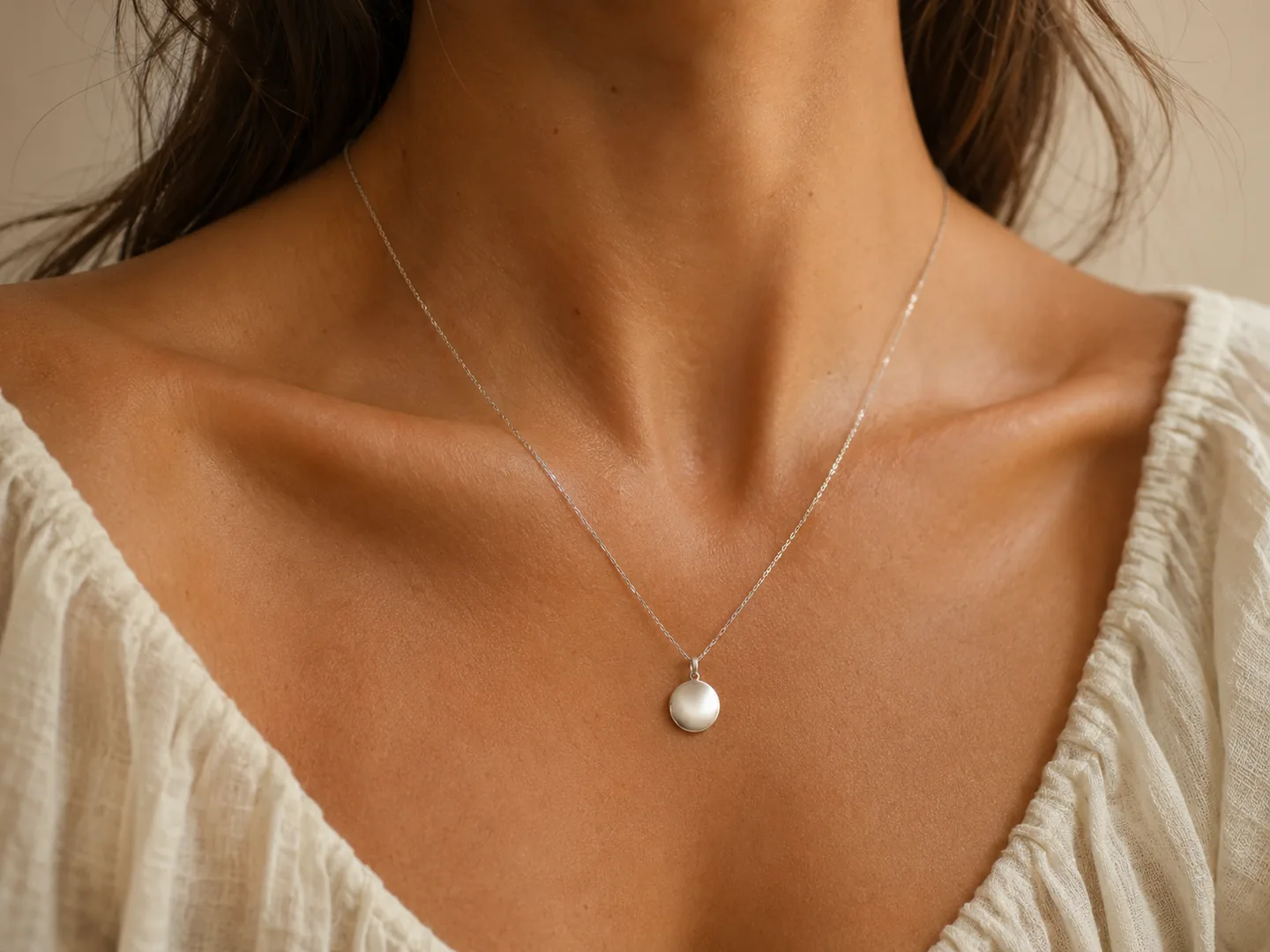
If the avatar is based on a real person, that person must give written consent for their image to be used this way, and you should collect it before uploading their photos. You should also state that images are AI-generated wherever the selling platform or applicable rules ask for it. This is not legal advice: check with your adviser before publishing. You can delete a reference photo or the whole avatar at any time: the stored files are removed as well.
It is for you if you run a small or mid-sized fashion, swimwear, jewellery or accessories brand and want a consistent image across hundreds of references without organising a shoot per collection. The avatar generation pipeline was tuned in June 2026 on the catalog of Oreaster, a swimwear store running on Tiendifai: Fotifai generated its photos with the model Génesis at the time. Stores like Oreaster or Blossom by Olha (jewellery, with the model Olha) are the kind of brand it is built for.
It is not for you if you need the exact likeness of a specific person without their consent (and you should not), if you want clothing with complex movement that needs a real body in a real shoot, or if your product depends on a verifiable technical fit (sizes, fabric drape that a customer will want to check).
Jobs with a model are the most expensive per image, because they ask more of the engine. They spend credits from your balance like everything else: the Free plan brings 10 a month, Basic 100 for €19 a month and Pro 500 for €49 a month. In the current code, avatar mode is not limited to one plan; the pricing page mentions perks for higher plans such as a «custom-trained model» (Enterprise), which is in preparation. More detail in pricing and credits.
The avatar builds on product mode: a clean photo of the item gives better results on the model. For context, the article on model photos without hiring a model explains the starting problem, and the simulated case of a swimwear store with its own model puts it into practice with example figures. Before delivery, the quality-check layer verifies the basics.
Request beta access, upload three to five reference photos of your model and try your first product on her.
Try FotifaiHow Fotifai's product mode turns a phone photo into a catalog image: cleaning, removing or replacing the background, what each job costs and its limits.
When to regenerate a whole image and when to fix only one area with a mask: how it works, how many credits it uses, where it is available and its limits.

What Fotifai's WooCommerce plugin does today, how to use the public /v1 API with a key, and what is still in preparation: MCP, PrestaShop and Shopify.