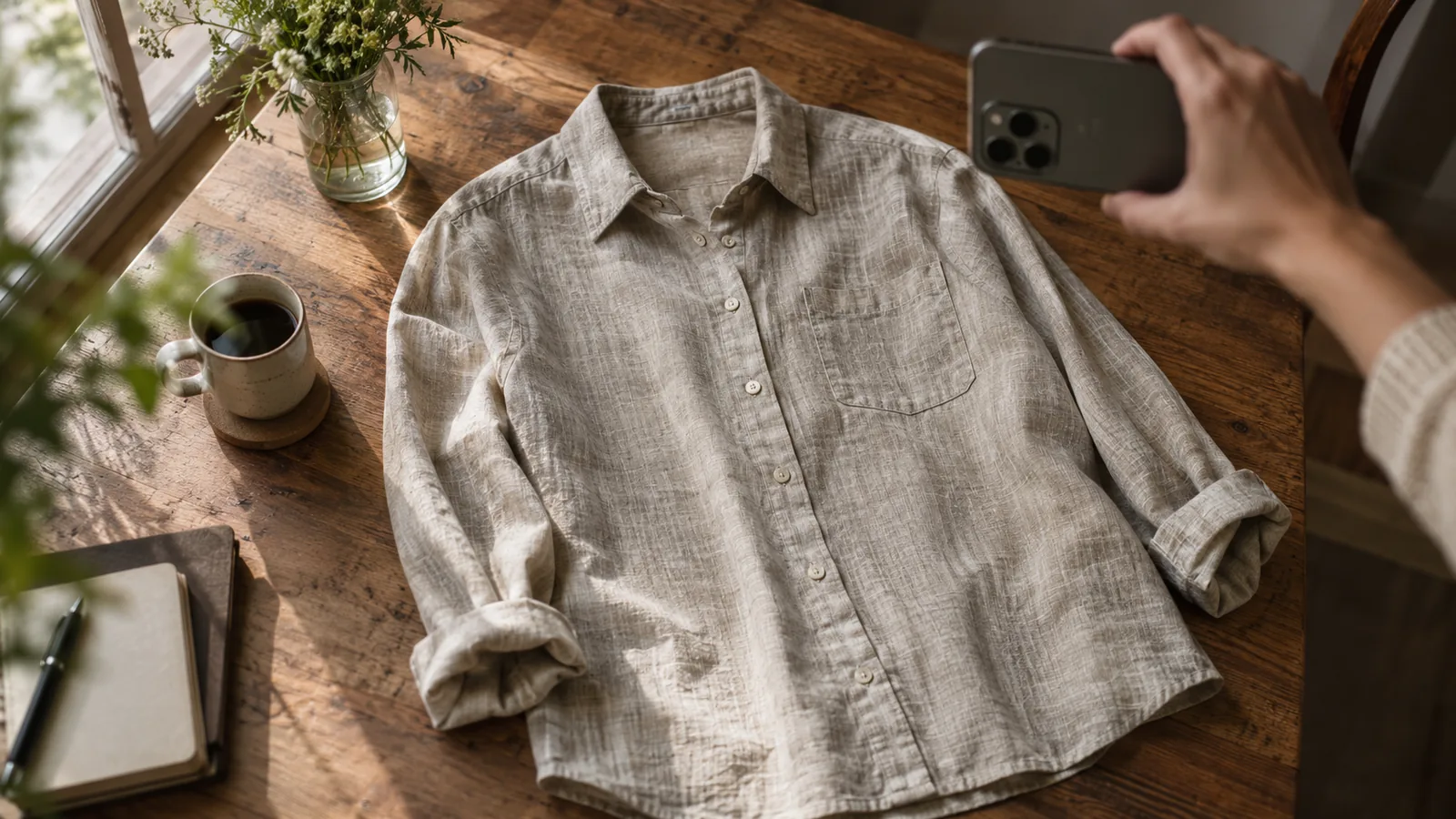
Phone photos that don't sell: what goes wrong and what to fix
Why phone photos drag down a product page, what you can improve when shooting and what AI can actually correct, including where it stops working.
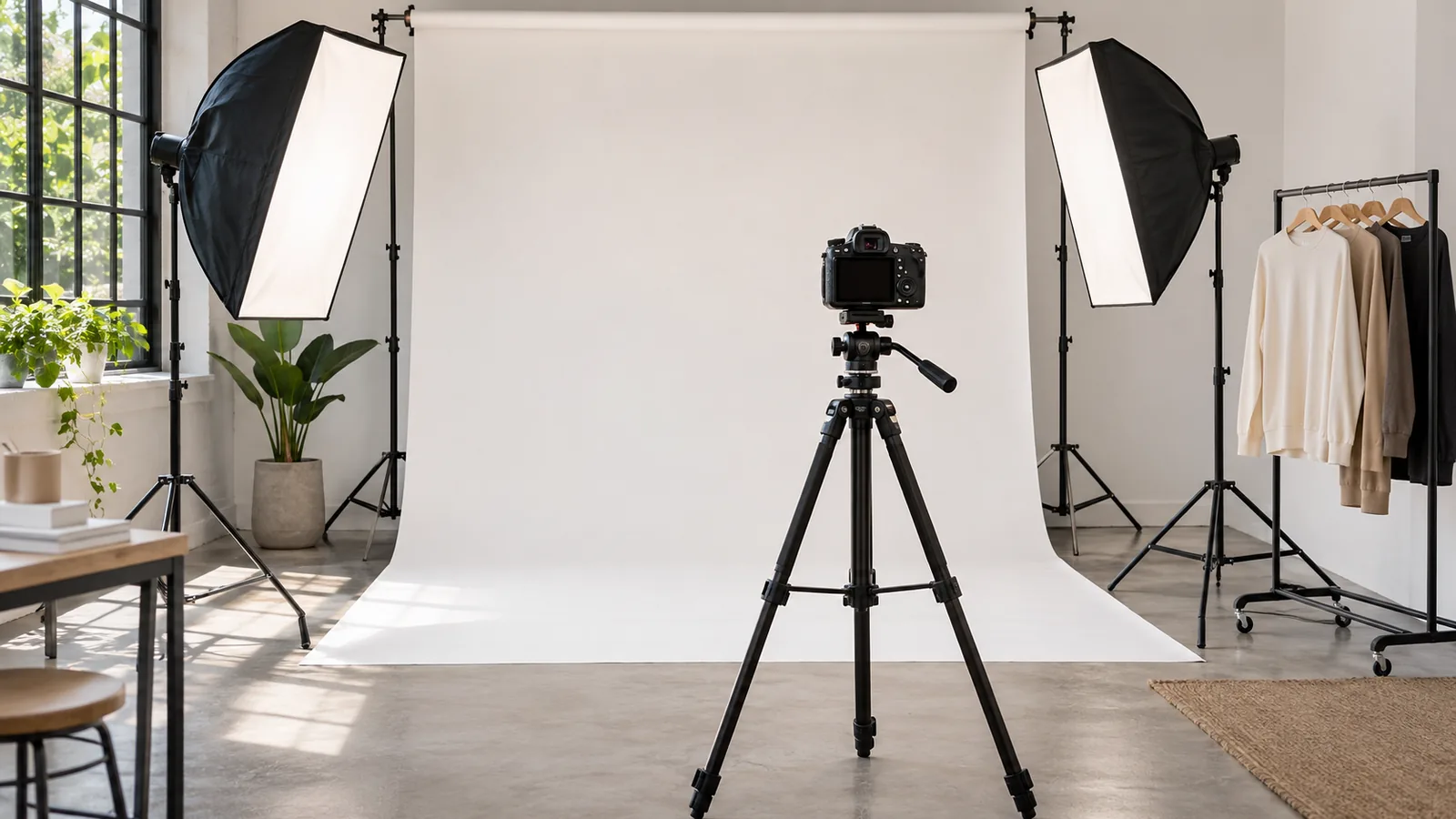
Public pricing from Spain and the US for product photography, an illustrative 80-product example, and where AI really saves money and where it does not.
There is no single price for photographing a catalog. It depends on whether you pay per photo, per session or per day, whether a model is involved, and how many times a year you repeat the job. Public figures vary enormously by country, so here are the ones we could actually open and check, used in a clearly illustrative example.
Behind a product photo there are several line items, sometimes billed together and sometimes separately:
Shopify's January 2026 guide notes that a photographer may charge $500 to $3,000 a day and that rush fees run from 25% to 200% of the total job cost. That is why a quote of "X euros per photo" is rarely the whole bill.
| Source and date | What it measures | Published figure |
|---|---|---|
| Cronoshare, Spain, 14 January 2026 | White-background packshot | €3 to €15 per photo |
| Cronoshare | Ghost mannequin (clothing without a visible model) | €5 to €12 per photo |
| Cronoshare | Photo with props | €6 to €18 per photo |
| Cronoshare | Lifestyle with a model | €150 to €500 per session (model, styling and 10 to 15 final photos) |
| Shopify, US, 27 January 2026 | Finished image | $50 to $350 |
| Squareshot, 6 April 2026 | Product only, simple background | $15 to $75 per photo |
| Squareshot | Retouching | $5 to $20 (basic) or $50 to $150 (extensive) |
| Squareshot | Full day of a clothing shoot | $2,000 to $8,000 |
Two honest readings. First, Spanish rates on intermediary platforms are much lower than US ones, and a basic packshot in Spain can be cheap. Second, Cronoshare is a quote marketplace and Squareshot is a studio, so neither source is a market study, and the ranges themselves are wide. Always get three quotes.
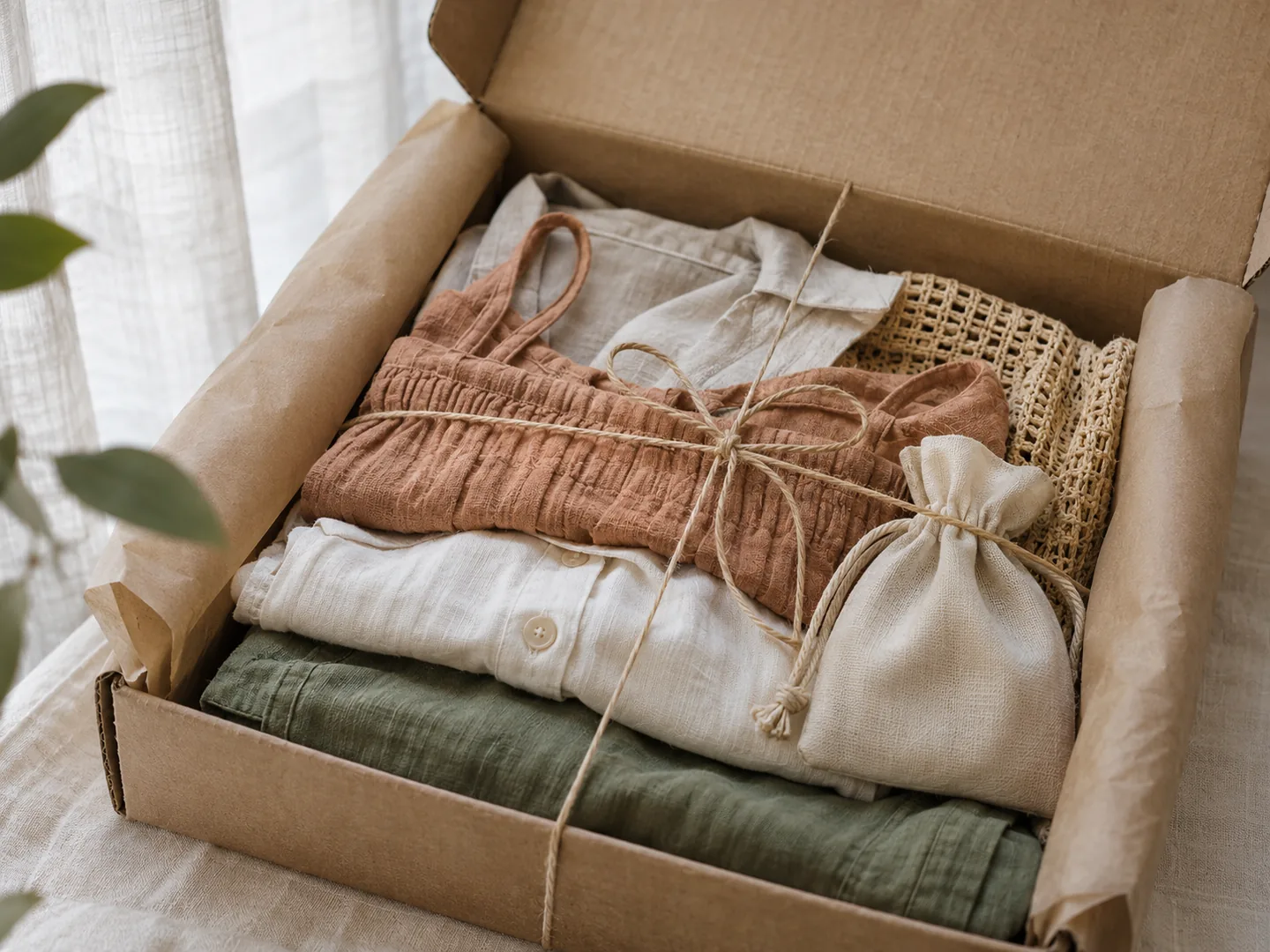
Made-up numbers for reasoning, not a real case: a store with 80 products that wants 4 photos per product, so 320 photos, and that also does one model session in each of the four seasons.
So roughly €1,400 to €6,800 in the first year between the low and high ends of that example, before extra retouching, shipping and rush fees. It is a calculation based on third-party data, not an offer or a forecast for your store.
Cronoshare lists what moves the price: the number of photos, whether there is retouching, the photographer's travel, urgency, the location of the shoot and the type of product. On top of that come costs nobody invoices but you pay in time:
Let us be clear: if you need 30 white-background packshots once a year and a local photographer charges €5 a photo, AI will not transform your costs. It changes the maths in three places:
And where it does not: cosmetics photography with very complex reflections, products with small print that cannot change by a single pixel, or any piece where the end customer expects to see the real object in great detail.
Fotifai spends credits per job: removing a background costs 1, replacing it 2, enhancing the product 2, generating a scene 3 and placing the product on a model 5. To see what your catalog would cost, multiply your photos by the credits of each job and compare it with a plan: Free (10 credits a month, for trying it out), Basic (€19 a month, 100 credits), Pro (€49, 500 credits) or Business (€99, 1,000 credits). There are also one-off packs, such as 200 credits for €14.99. The details are in Fotifai pricing and credits, and the mode for clean backgrounds is covered in product mode.
Fotifai is not a physical photography service: it does not promise guaranteed savings, and it is still a private beta, by invitation.
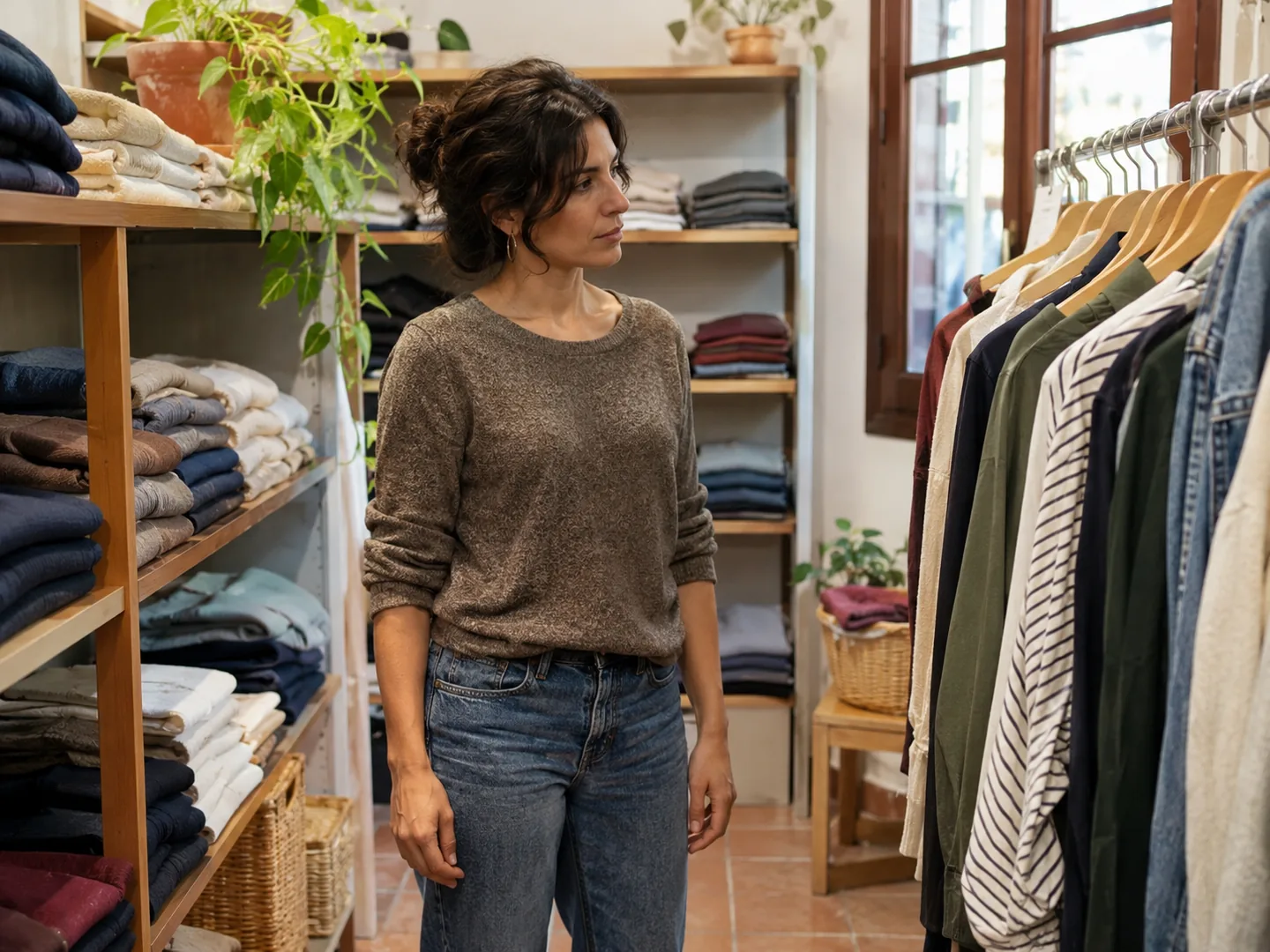
It makes sense if you launch products often, sell fashion, swimwear or jewellery, and model sessions slow you down.
Maybe not if your catalog is small and stable, or if you need studio images with absolute control of reflections. In that case a good local photographer is still the best option.
All these tools go after the same cost, with different approaches. For an overview, see the guide to AI product photo tools.
A broad editor (background removal, scenes, AI models, batch via app or API, video and a mobile app), according to its website on 15 November 2026. It wins on maturity and scope. More in Fotifai vs Photoroom.
Backgrounds and scenes with 100+ templates, a product shown on a person (a necklace, for example) and bulk generation. Its homepage does not describe an API or integrations. More in Fotifai vs Pebblely.
An API and batch-processing focus, according to our February 2026 analysis (its website did not load for our automated reader today). It suits teams with their own developers. More in Fotifai vs Claid.ai.
A library of 150+ AI fashion models, turning flat or hanger shots into on-model photos, with a free trial. Its homepage does not state integrations or languages. More in Fotifai vs Botika.
AI models, virtual try-on (jewellery too), backgrounds and video, with a Shopify app and named support for WooCommerce. A free plan of 20 credits a month. More in Fotifai vs SellerPic.
Accessed on 15 November 2026:
All figures are from third parties, indicative, and in the currency stated.
Request beta access and try a handful of products before deciding anything.
Try FotifaiWhy phone photos drag down a product page, what you can improve when shooting and what AI can actually correct, including where it stops working.

Fotifai and Pebblely compared using their official sites: features, pricing in dollars and euros, limits, privacy, and when each one is the better choice.
Fotifai and Photoroom compared using their official sites: features, pricing, integrations, privacy, and when each one is the better pick for your shop.