
Quality check before delivery: what Fotifai actually verifies
What Fotifai's QA layer really checks before delivering each image, what it does not detect yet, and how to review the result yourself with a clear eye.
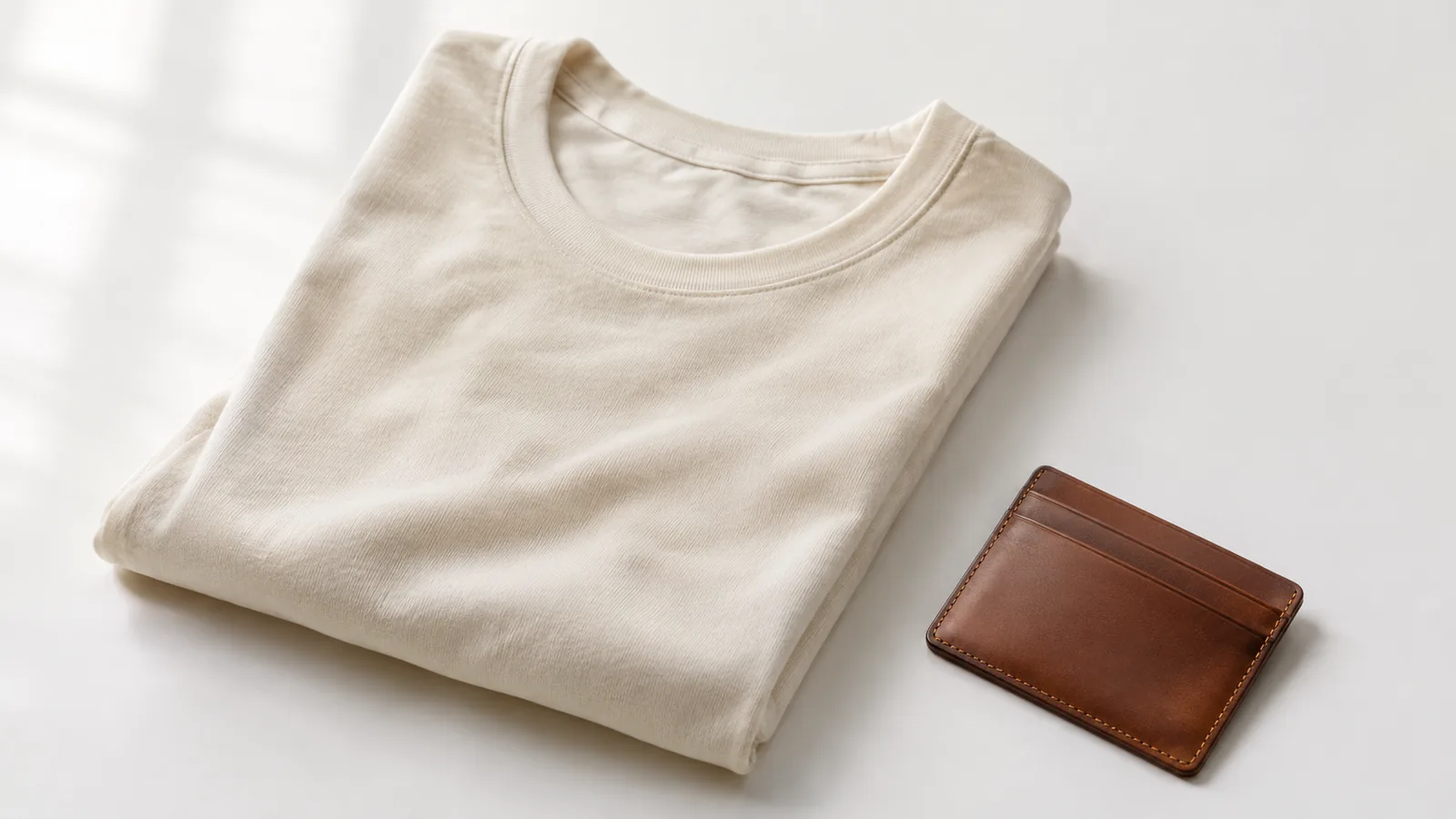
How Fotifai's product mode turns a phone photo into a catalog image: cleaning, removing or replacing the background, what each job costs and its limits.
Product mode turns a phone photo of an item into a catalog image: the product isolated, with the clutter behind it gone, on clean white, on a transparent background or in a new scene. You do not need a studio or any editing skills. This article explains what it does exactly, what each job costs, the step-by-step flow and, above all, where it falls short.
Fotifai has two modes. Avatar mode puts your product on a reusable AI model (covered in the avatar mode article). Product mode, the subject here, works only with the item: it starts from your real photos and returns a clean image of the same product.
Under the hood, each job carries instructions set by the server, not by the plugin or the screen you order it from. That is why two different shops get consistent results. The instructions ask for three things at once: isolate the product, correct colour and white balance with better light and sharpness, and leave the product unchanged: same shape, colour, pattern and detail. The engine uses your photos as a reference; it does not invent a similar item.

| Job | What it does | Credits per image |
|---|---|---|
Product enhance (product_enhance) | Removes the background and anything extra (props, surfaces), places the product on seamless white with a soft shadow and corrects colour and light | 2 |
Background removal (background_removal) | Isolates the product on a transparent or white background with crisp edges | 1 |
Background replace (background_replace) | Swaps the background for a new, clean scene with consistent light and shadows | 2 |
Two nuances worth knowing before you choose:

If a job fails you are not charged: credits are deducted after the image has been generated and saved, not before.
It is for you if:
It is not for you if:
To avoid surprises, the limits in a short list:
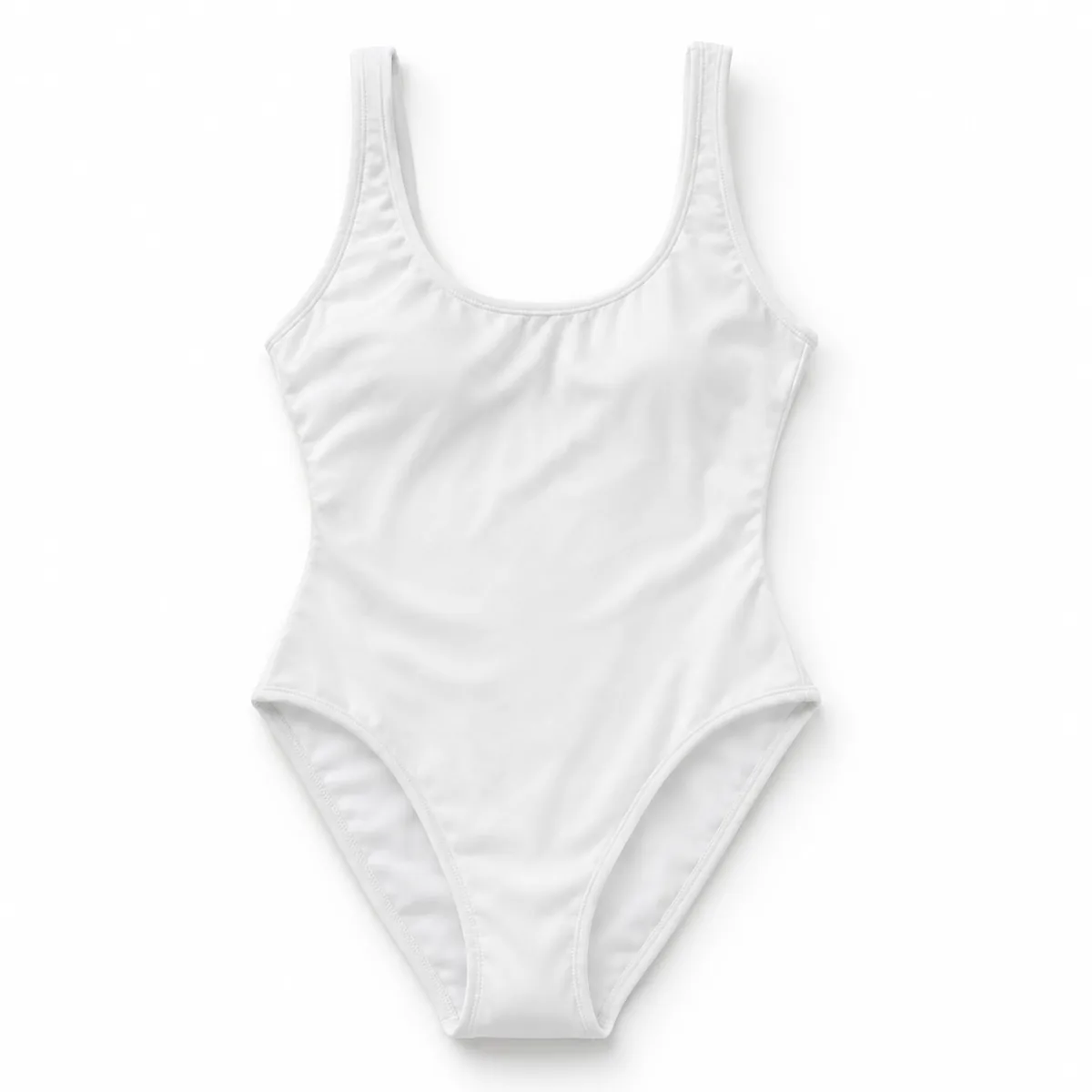
Every job spends credits from your balance. A new account starts with a welcome balance, and the Free plan includes 10 credits a month; the Basic plan includes 100 for €19 a month. In the current code, the three product jobs are not reserved for a particular plan: what changes from one plan to another is the volume of credits. Plan and pack details are in the pricing and credits article. The pricing page also advertises other per-plan perks (for example, a watermark on the Free plan or a priority queue); they are not active in the engine yet, so treat them as «in preparation».
Fotifai is in a private beta by invitation, so today you get in by requesting access from the home page.
The next step is simple: take a phone photo of your most difficult item, ask for a clean background and judge the result with your own catalog in front of you.
Upload a phone photo of a product and ask for a clean background. The welcome balance is enough to try all three jobs.
Try FotifaiWhat Fotifai's QA layer really checks before delivering each image, what it does not detect yet, and how to review the result yourself with a clear eye.
When to regenerate a whole image and when to fix only one area with a mask: how it works, how many credits it uses, where it is available and its limits.

What Fotifai's WooCommerce plugin does today, how to use the public /v1 API with a key, and what is still in preparation: MCP, PrestaShop and Shopify.