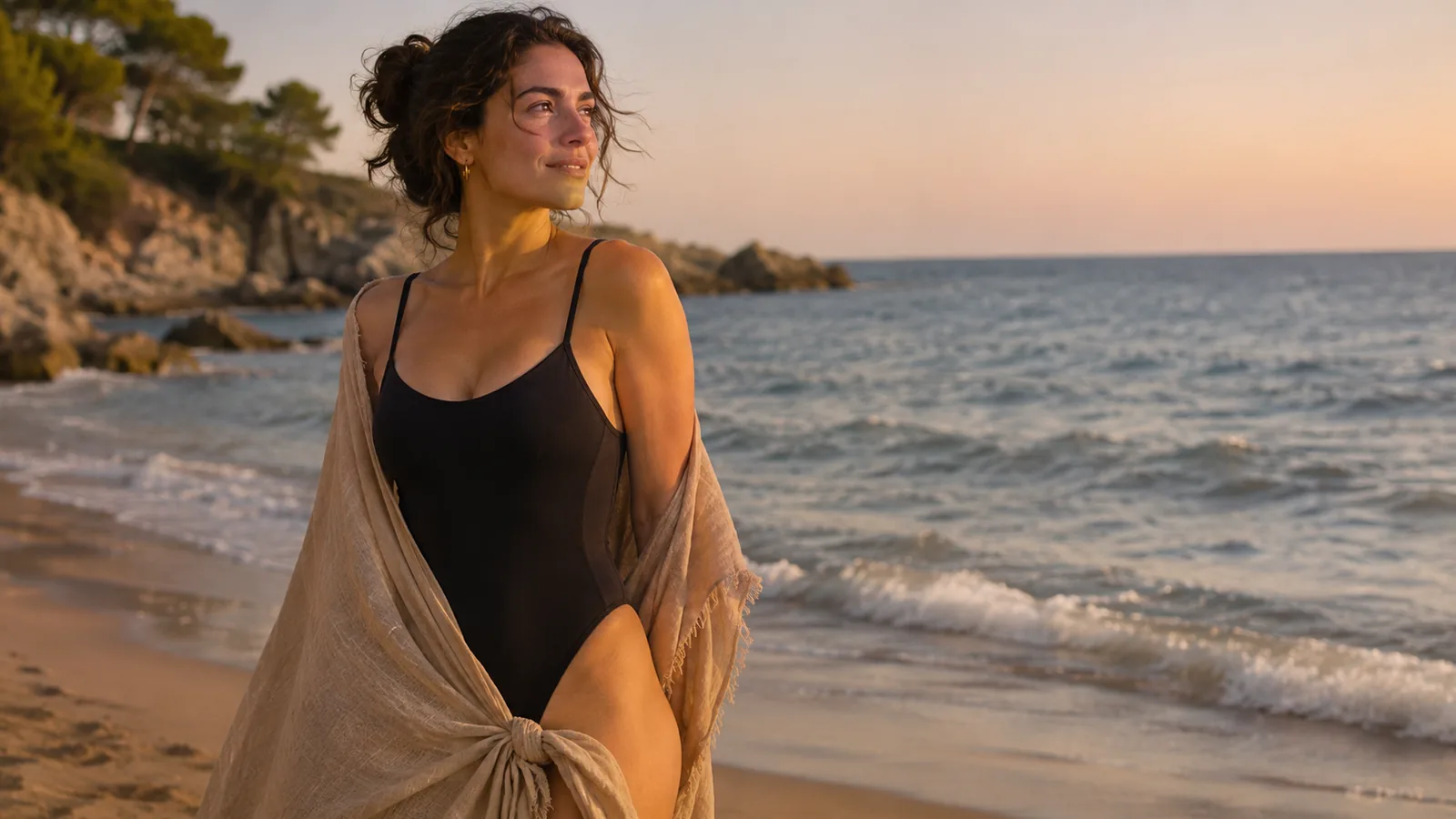
Model photos without hiring a model: what to know
What a shoot with a model costs, how a reusable AI model works, what consent and labelling require, and where the approach falls short for your store.
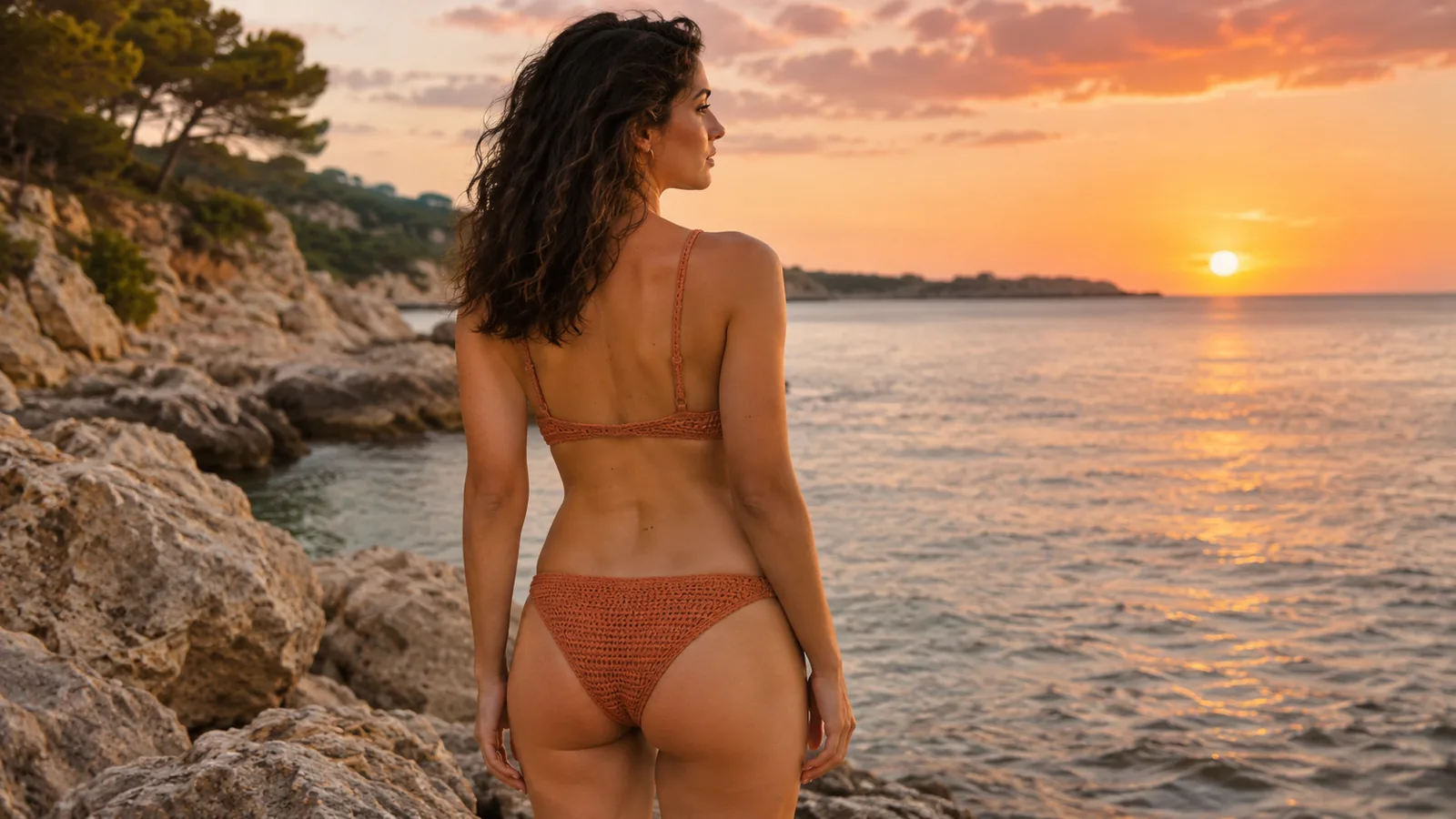
A simulated case of a bikini store dressing its whole catalog on one model in avatar mode: the workflow, credits, time, limits and what to check by hand.
Simulated case with illustrative figures, not a real customer. The store, its numbers and its results are invented to explain a workflow. It is inspired by how a swimwear store works with one specific model (the kind of work shown on Fotifai's home page), but nothing below is a measurement or a testimonial.
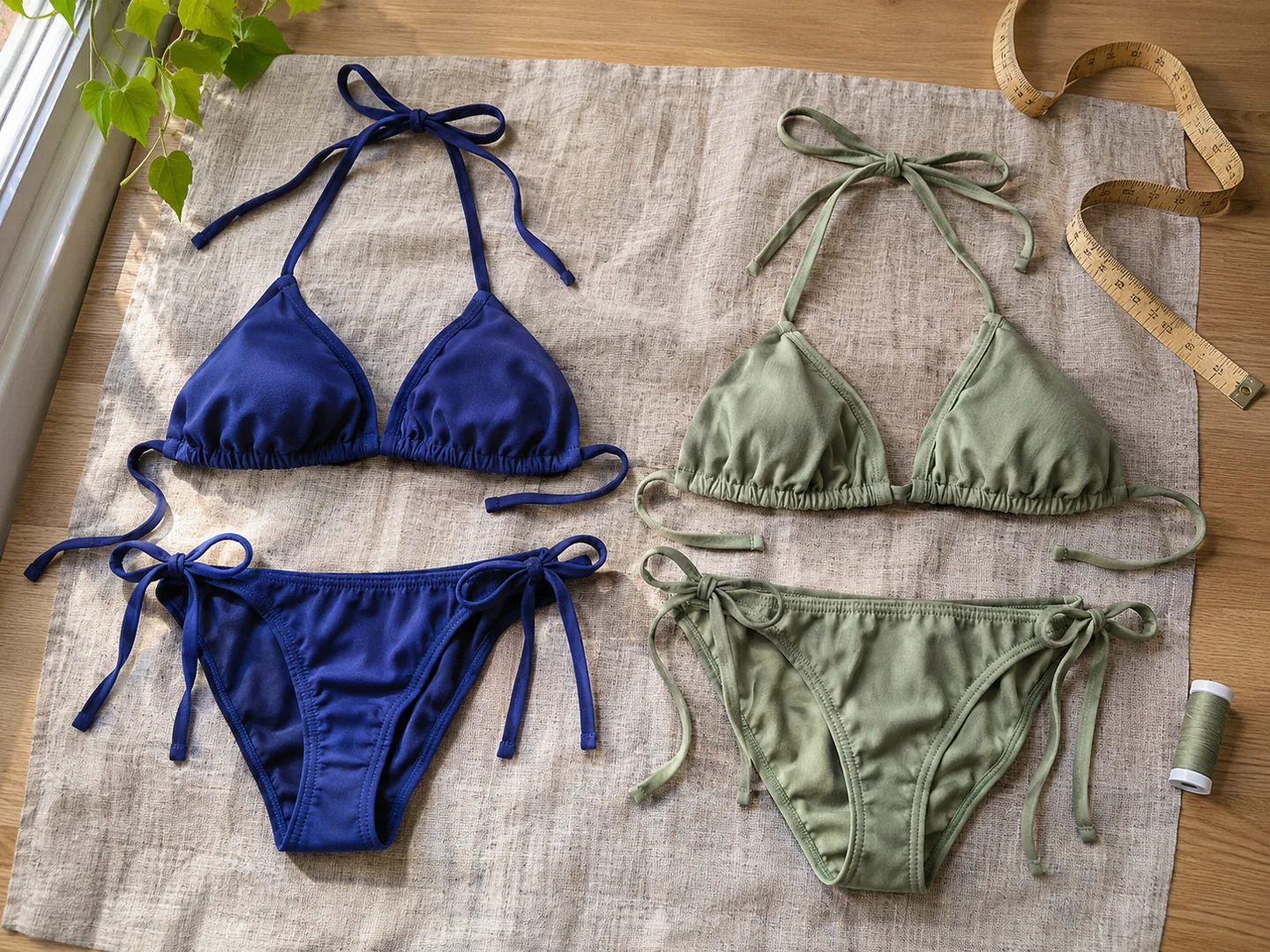
A small store selling handmade bikinis gets one photo shoot a year and has 36 sets to show. This article follows, step by step, how it could dress the whole catalog on the same model using Fotifai's avatar mode, how many credits and hours it would take, and what you would still have to check by eye before publishing.
Avatar mode builds a reusable identity from real photos of a person. If that person is the store's model, you need her written consent before uploading a single photo: what use will be made of her image (AI-generated photos for the store), on which channels, for how long, what happens if she wants out, and how she is paid. This is not legal advice: have someone with legal training draft it.
You should also label AI-generated content wherever the platform asks for it. According to the text of the EU AI Act published on artificialintelligenceact.eu (read today), Article 50 requires providers of generative systems to mark their outputs in a machine-readable format, and requires whoever deploys deep fakes (generated images that resemble real people) to disclose that they are artificial. The same site gives 2 August 2026 as the application date but shows amendment markings, so check the current text in the Official Journal before deciding anything.
identity_prompt: traits the image must not lose (hair colour and length, tattoos, freckles). Daylight photos without filters or sunglasses make better references than a social media shot.product_enhance: 2 credits. It becomes the first image on the product page.model_swap (the interface calls it "virtual try-on"): 5 credits. Give it a short prompt with the scene direction.scene_generate: 3 credits each. Both types combine avatar and product; try both on one set and keep the one that respects the fabric better.inpaint, 2 credits). More in regenerate and retouch an image.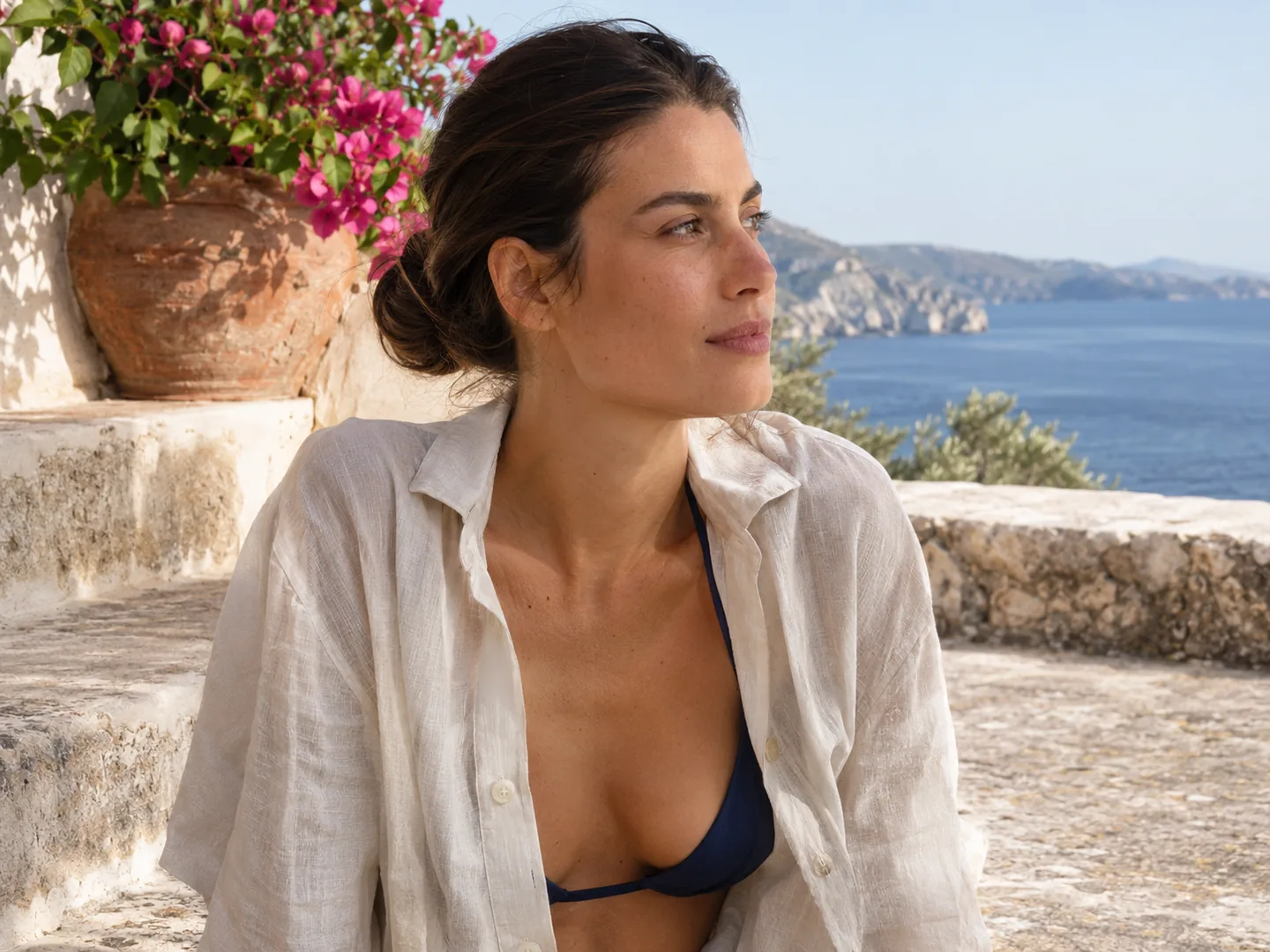
The theory behind avatars is in avatar mode: your model across the catalog, and why this is an alternative to the shoot is in model photos without hiring a model.
Illustrative assumption: per set, one packshot, one virtual try-on and two scenes. On average one scene redo per set, plus 24 mask retouches across the catalog.
| Job | Credits per job | Jobs in the catalog |
|---|---|---|
product_enhance | 2 | 36 |
model_swap | 5 | 36 |
scene_generate | 3 | 72 + 36 redos |
inpaint | 2 | 24 |
Multiplying row by row at today's costs gives about 624 credits (if costs change, the table rules and you should recalculate). For a season of 8 new sets, the same method needs about 130 credits including redos. For scale: the Basic plan includes 100 credits a month and Pro includes 500; a pack of 200 credits costs €14.99. The initial catalog would fit in one month of Pro plus a 200-credit pack, and each season in one month of Pro. Current prices are in Fotifai pricing and credits.
A job that fails does not use credits: the charge happens on completion.
Your own time (illustrative): 45 minutes for the avatar, about 2 hours photographing 36 sets with a phone, 1 hour creating products and uploading photos, about 3 hours reviewing and 1 hour retouching. That is roughly 8 hours spread over several days. Generation is asynchronous: each job is queued and polled until it finishes, and we cannot promise a duration.
If the approach worked, the store could launch a collection without booking a studio or coordinating the model, and its product pages would have a more consistent look. As a working hypothesis (not a promise), suppose 2 in 3 images with a person are good first time and the rest need a redo or a retouch. Whether that turns into more visits, more sales or fewer returns can only be known by measuring it in the real store.
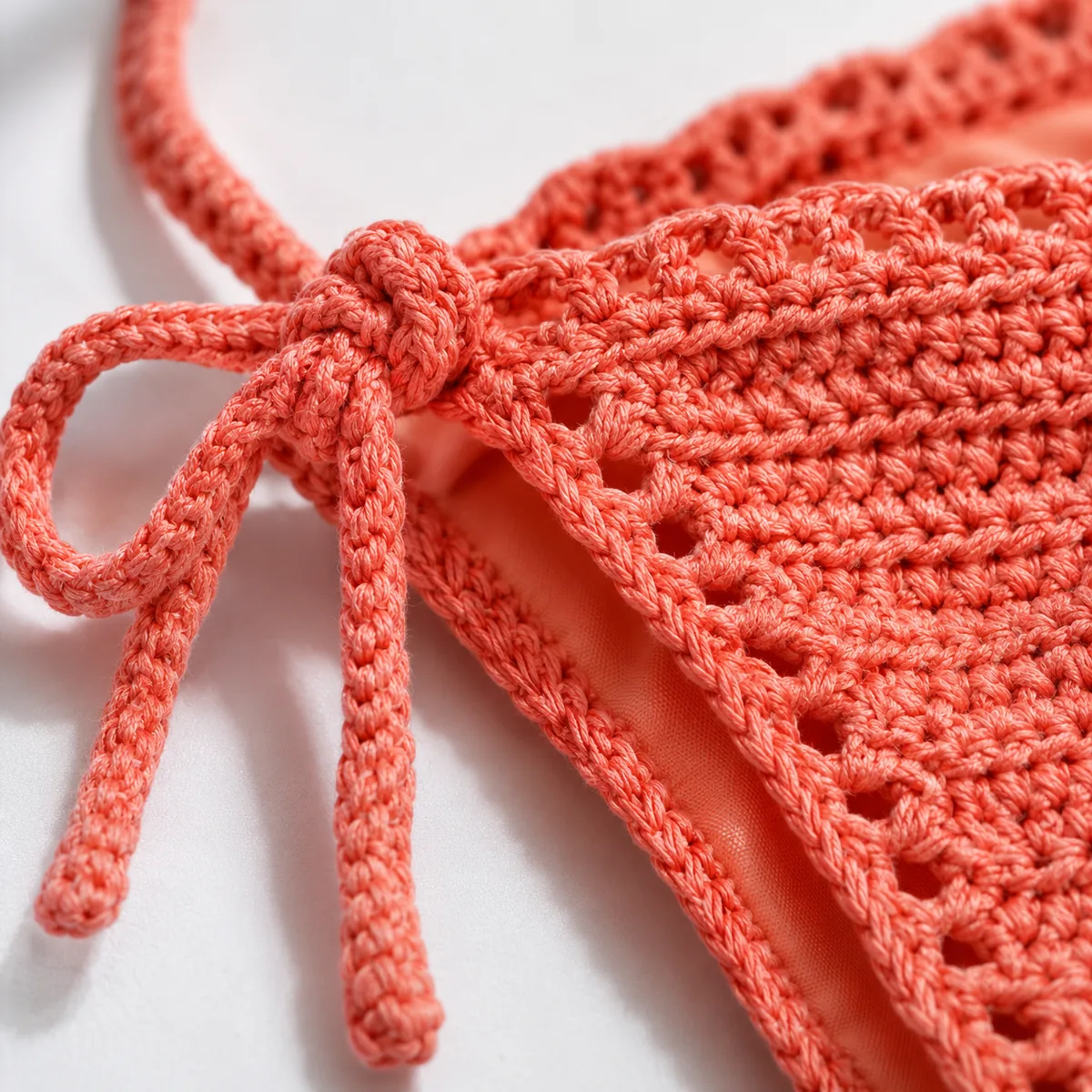
It fits if you have a small or mid-sized garment catalog, a model you trust, acceptable phone photos and the willingness to review each image. It does not fit if you cannot get a model's written consent, if you need an exact replica of every stitch without review, or if you want video.
Free and paid. There is a Free plan with 10 credits a month to try (per the website, with limits and a watermark) and monthly paid plans: Basic (€19), Pro (€49), Business (€99) and a custom Enterprise, plus credit packs sold separately. The beta is private, by invitation: you can request access from the home page. To see how it compares with other tools, read Fotifai vs Photoroom and the overview of the best tools.
Accessed on 15 November 2026.
Start with one bikini and your model: create the avatar, generate three photos and judge with your own eyes whether it works for you. Private beta, by invitation.
Try FotifaiWhat a shoot with a model costs, how a reusable AI model works, what consent and labelling require, and where the approach falls short for your store.
SellerPic and Fotifai side by side with data checked on 15 November 2026: features, pricing, jewellery, video, and when each one is the better choice for you.

Fotifai versus Claid.ai: what we could confirm in its documentation, what we could not (its website blocked our client), features, API, and when to pick each.