
Fotifai vs Claid.ai: a comparison for online stores and tech teams
Fotifai versus Claid.ai: what we could confirm in its documentation, what we could not (its website blocked our client), features, API, and when to pick each.
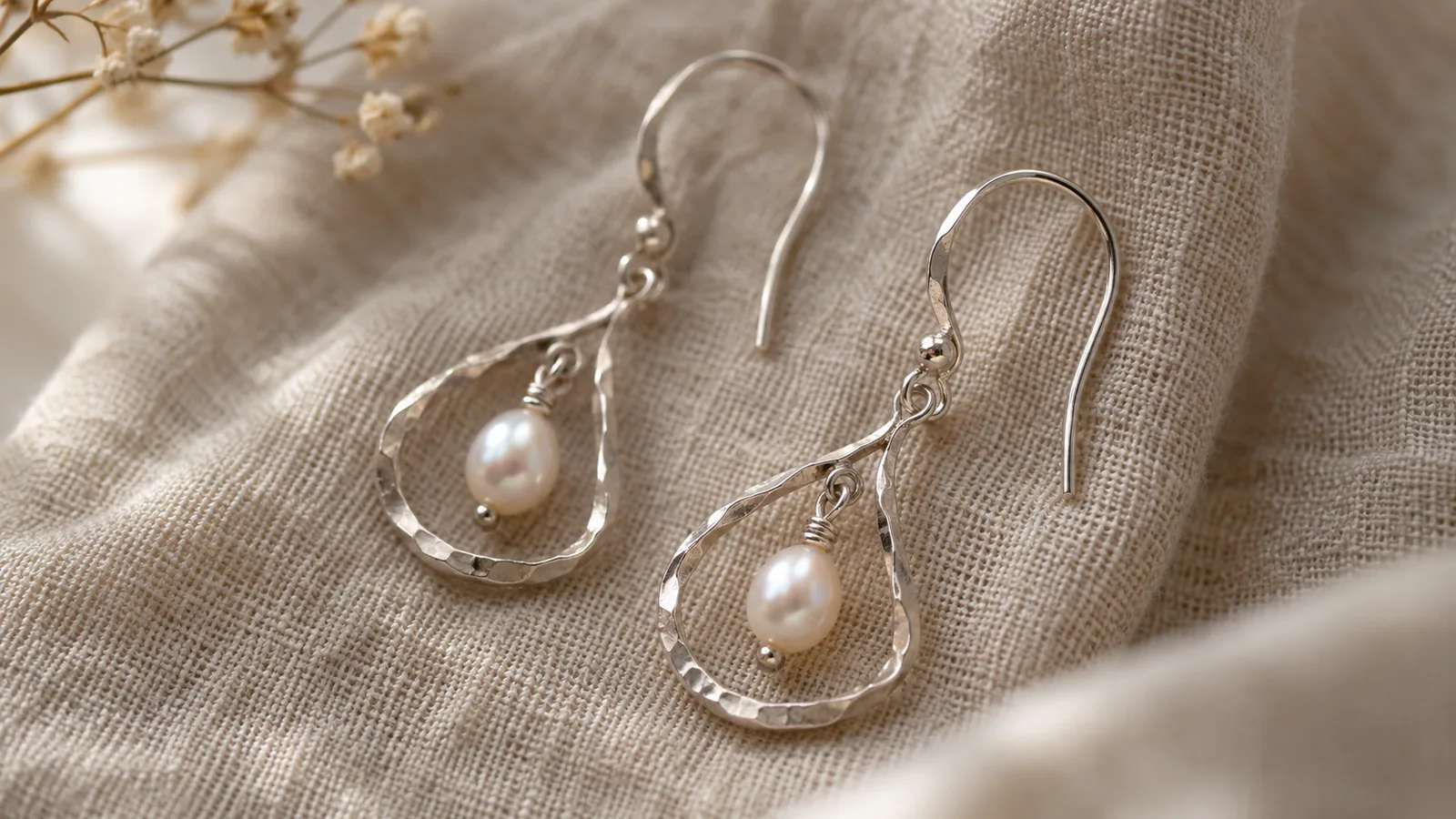
Simulated case of a handmade jewellery workshop: close-ups, clean backgrounds and jewellery on a model with Fotifai. Workflow, credits, limits, manual checks.
Simulated case with illustrative figures, not a real customer. The workshop, its catalog and its results are invented to explain a workflow. It is inspired by how a jewellery store works with one specific model (what Fotifai's home page shows), but nothing below is a measurement or a testimonial.
Jewellery is a demanding case: the piece is small, detail matters and the buyer wants to see it worn. This article walks through how a handmade workshop could handle all three, clean close-ups, white backgrounds and jewellery on a model, with Fotifai, and where you would need a magnifying glass before publishing.

Input photos matter more in jewellery than in almost any other category. The rules, which also hold for phone photos that don't sell:
product_enhance: 2 credits per piece. It is the main image on the product page.background_removal: 1 credit per piece, for the marketplace and newsletters. Only for the 30 pieces that need it.background_replace (marble or plain linen) on 10 pieces: 2 credits each.identity_prompt, the traits that must not change. As with any real person, the model (the craftsperson herself or someone else) gives written consent before her photo is uploaded; this is not legal advice, so have a professional draft it.scene_generate: 3 credits. A short, concrete prompt: "three-quarter portrait, earrings clearly visible, window light, neutral background". Two photos for each of the 20 best sellers.inpaint (2 credits); if the piece itself is wrong, regenerate. Details in regenerate and retouch an image.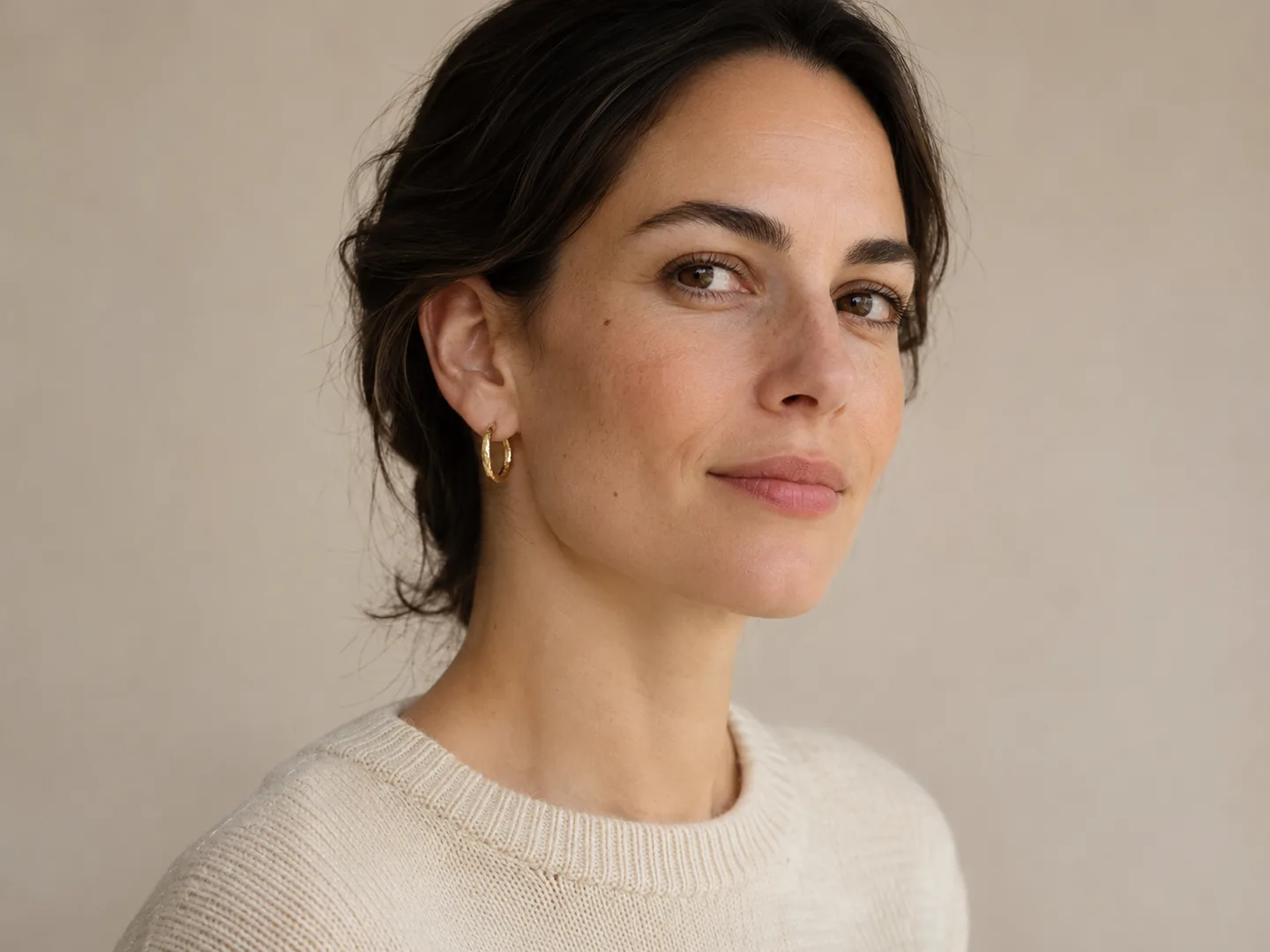
The clean-background mode is explained in product mode: clean, white and transparent backgrounds and the model side in avatar mode.
| Job | Credits per job | Jobs in the catalog |
|---|---|---|
product_enhance | 2 | 60 |
background_removal | 1 | 30 |
background_replace | 2 | 10 |
scene_generate | 3 | 40 + 20 redos |
inpaint | 2 | 12 |
At today's costs the total is around 374 credits (if they change, recalculate from the table). That fits in one month of Pro (500 credits), would take about four months on Basic (100) or could be topped up with packs: one of 200 credits costs €14.99. A new collection of 8 pieces with the same method needs about 90 credits and fits in a month of Basic. Current prices are in Fotifai pricing and credits; a job that fails does not use credits.
Your own time (illustrative): about 5 hours photographing 60 pieces, an hour and a half uploading them, 45 minutes for the avatar, about 4 hours of review at 100% and an hour and a half of retouching: roughly 13 hours spread over several days. Each generation job is queued and polled until it finishes; we do not promise a duration.
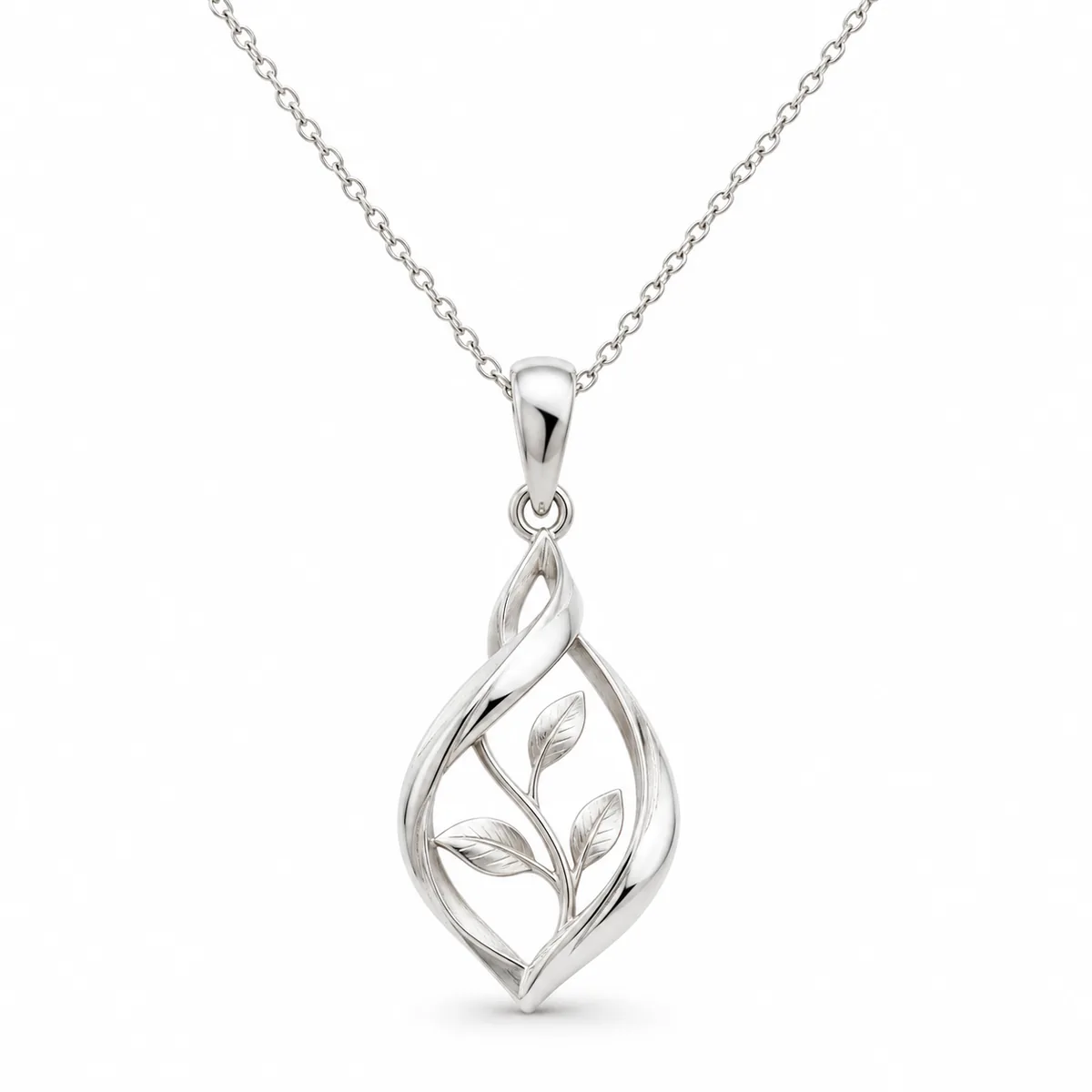
If all went well, the workshop would have a uniform catalog, marketplace-ready versions and worn-piece photos it cannot take today. As a working hypothesis (not a promise): on-model shots and packshots of closed pieces would come out right first time more often than single-piece still lifes or close-ups of a wrist. That is what the Fotifai team saw working with a real jewellery store of its own (not this case): the hard part was keeping the exact finish (a pearly effect with fine glitter) and the colour, which tended to come out more vivid. Whether any of this changes sales can only be known by measuring.
It fits if you sell mid-priced pieces, need uniformity and worn-piece photos, and have time to review every image at 100%. It does not fit if you sell fine jewellery where every facet counts, if you cannot check each image against the real piece, or if you need video.
Free and paid. The Free plan includes 10 credits a month to try (per the website, with limits and a watermark); the monthly paid plans are Basic (€19), Pro (€49), Business (€99) and a custom Enterprise, with credit packs sold separately. The beta is private, by invitation: request access on the home page. To see how it stands against another tool, read Fotifai vs Pebblely, and for the cost of a traditional shoot, how much does it cost to photograph a catalog.
Accessed on 15 November 2026.
Upload three photos of one piece, ask for a white-background packshot and an on-model photo, and compare with the real piece. Private beta, by invitation.
Try FotifaiFotifai versus Claid.ai: what we could confirm in its documentation, what we could not (its website blocked our client), features, API, and when to pick each.

Fotifai and Pebblely compared using their official sites: features, pricing in dollars and euros, limits, privacy, and when each one is the better choice.
Fotifai and Photoroom compared using their official sites: features, pricing, integrations, privacy, and when each one is the better pick for your shop.